Plain English, side by side
Every finding says what is wrong, why it matters and what to do, in words a non-DBA can follow. A technical view is one click away for DBAs. The original report stays next to it, with jump-to-section links.
Apodofos Community Edition · free and open source
Apodofos Report Analyzer reads an Oracle AWR, ASH or Statspack report on your own Windows PC, shows it next to a plain-English diagnosis, and gives you a ranked plan with ready-to-run SQL. It never connects to a database and never uses the internet.
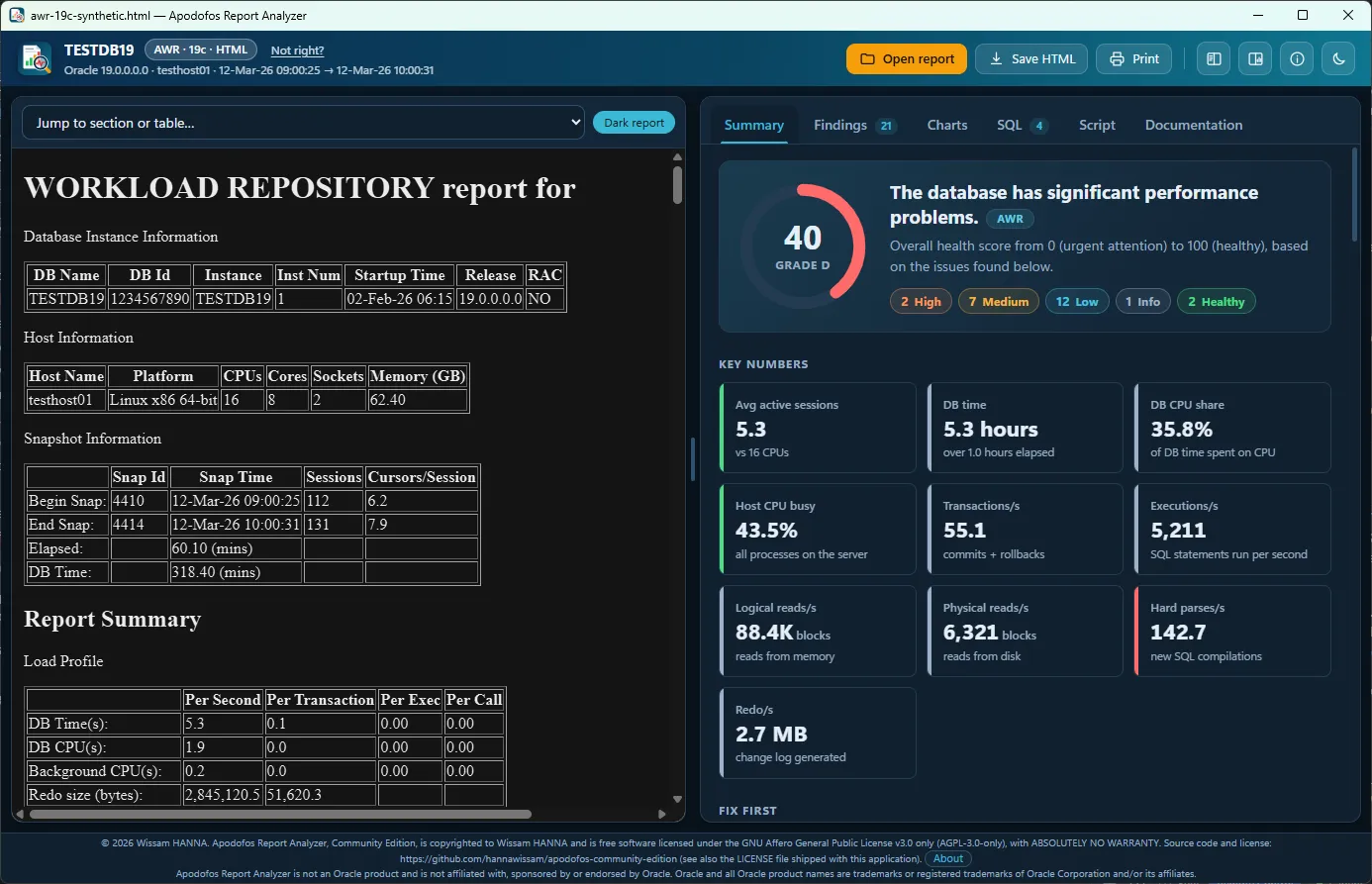
Every finding says what is wrong, why it matters and what to do, in words a non-DBA can follow. A technical view is one click away for DBAs. The original report stays next to it, with jump-to-section links.
Actions ranked by expected payoff, with impact, effort, risk and confidence, so you know where to start instead of facing a wall of numbers.
Valid Oracle 19c SQL for tuning tasks, plan baselines, index, redo and memory checks, each with cautions and a link to the matching Oracle documentation.
Runs entirely on your computer. No account, no telemetry, no update check, no upload. Your report never leaves your machine.
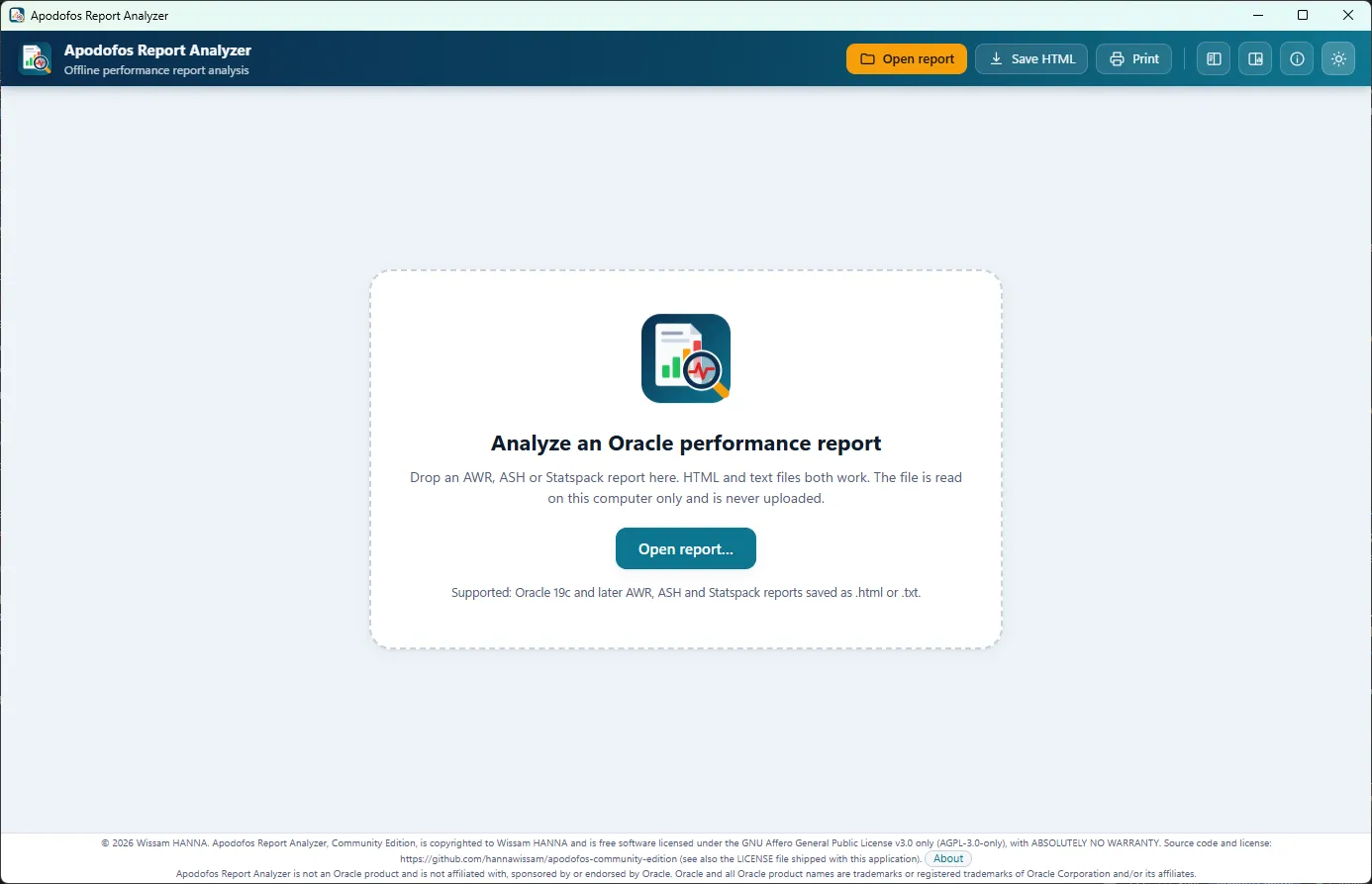
Drop or open an AWR, ASH or Statspack report (HTML or text). The type is detected from the content, and you can override it.
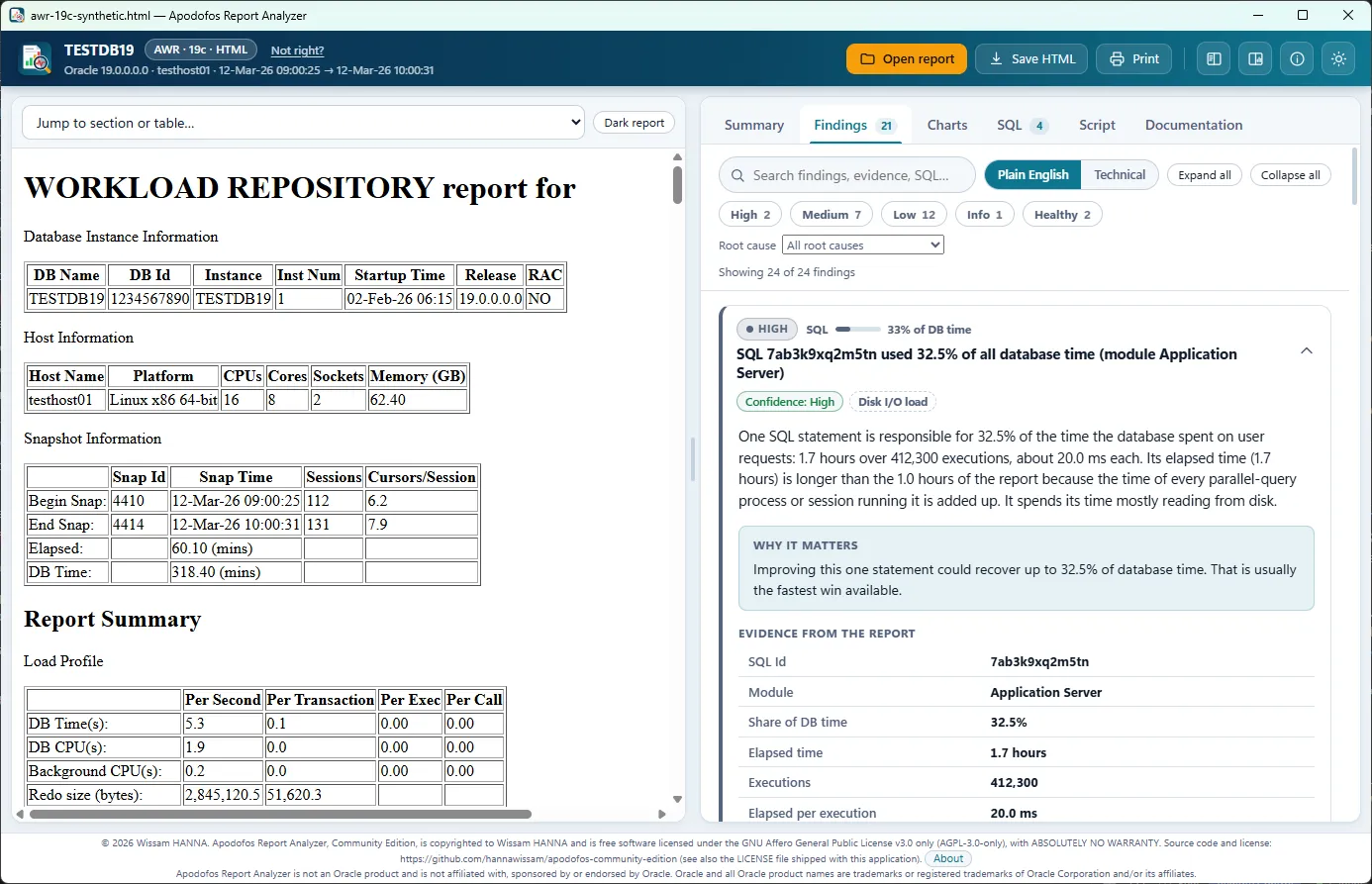
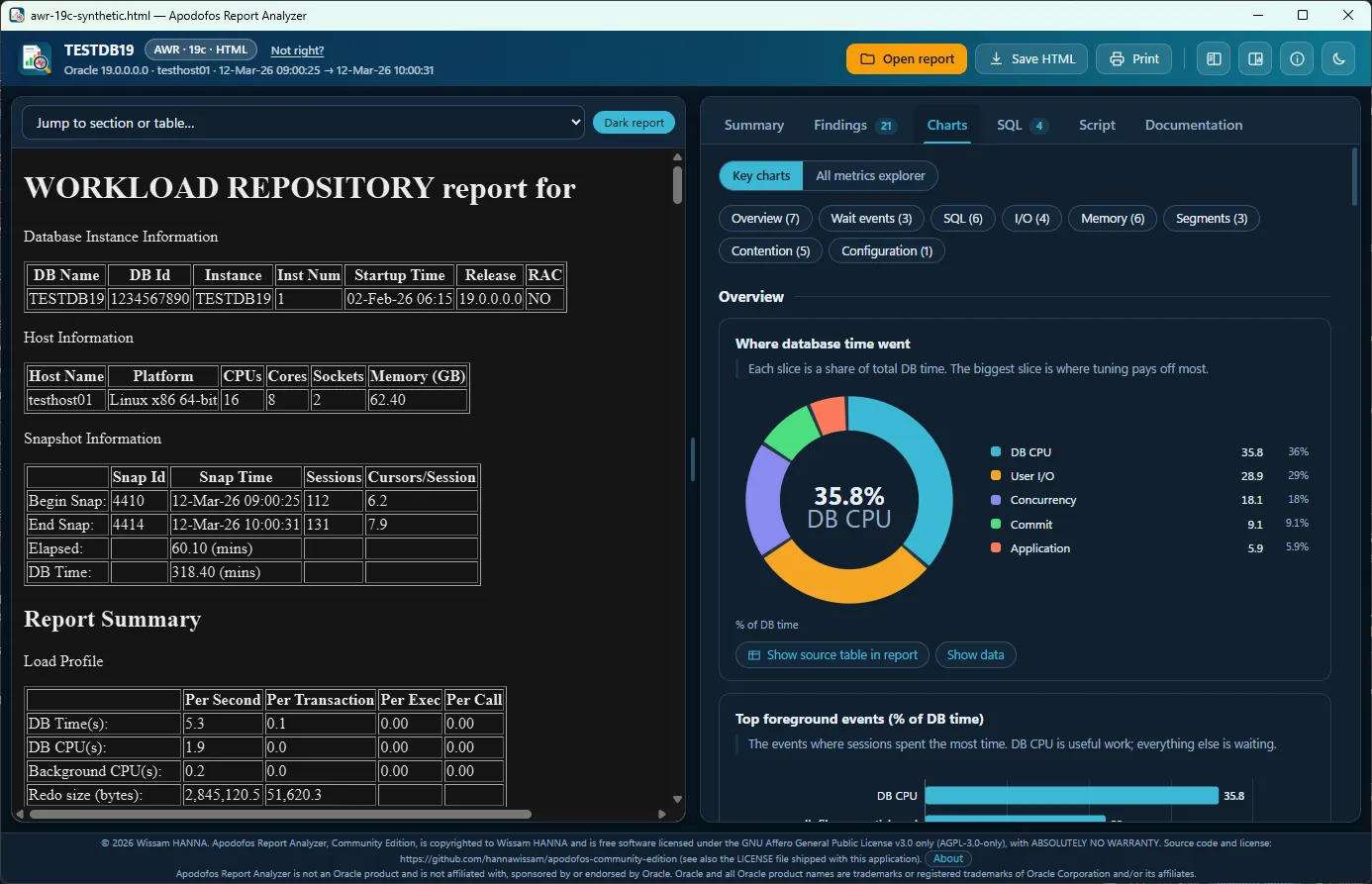
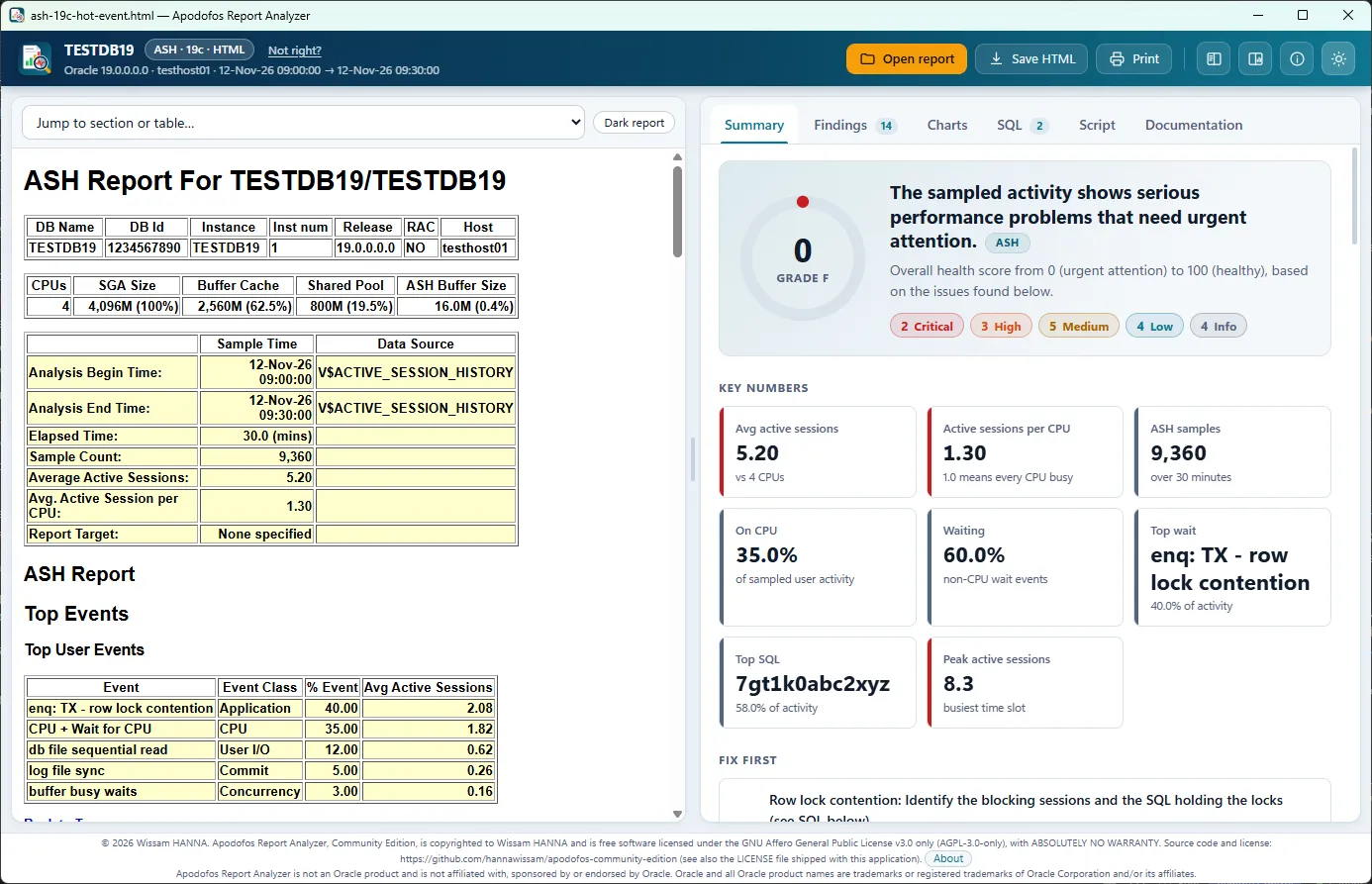
Get a health score, key numbers, charts and findings in plain English, side by side with the original report.
Follow the Fix first plan, copy the SQL you need, review it, and test it outside production.
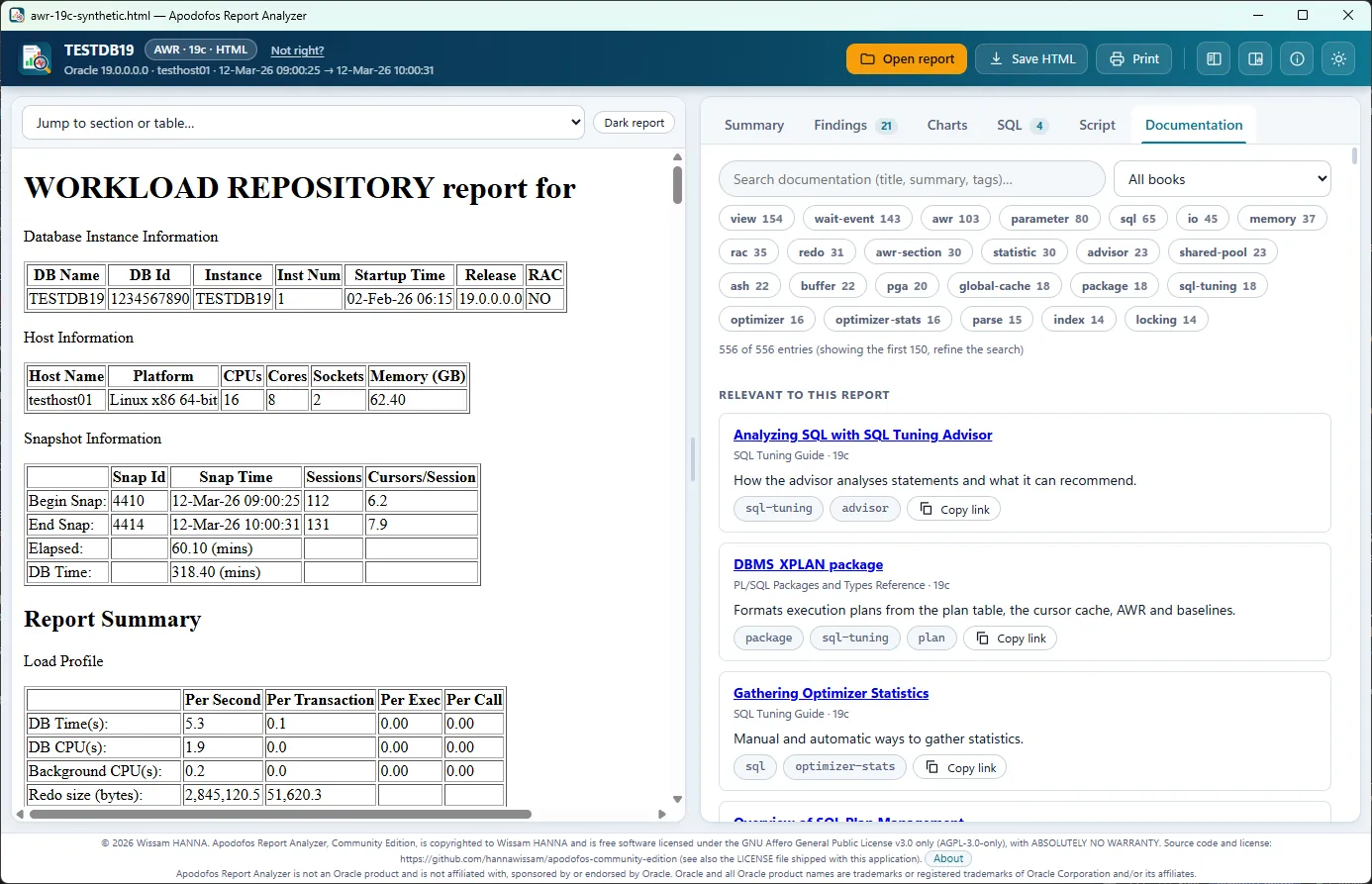
Real screenshots of the desktop app analysing the synthetic sample reports that ship with the project, in light and dark themes. Select an image to see it full size.
| Report | Formats | Oracle versions | Notes |
|---|---|---|---|
| AWR | HTML, text | 11g to 19c+ | Layouts from 11g to 19c are parsed; the rules are calibrated for 19c. Older releases get a note. |
| ASH | HTML, text | 19c+ | ashrpt output: activity by event, SQL, session, module and time slice. |
| Statspack | Text | 10g-style and 19c-style layouts | Mapped onto the same rules as AWR where an equivalent exists. |
Apodofos Community Edition does not collect, transmit, sell or share any data. There is no telemetry, no analytics, no account or licence check and no update check. The interface loads no fonts, scripts or images from the internet and blocks navigation to any other address.
This website follows the same rule: no cookies, no analytics, no trackers and no requests to other servers.
%LOCALAPPDATA%\Apodofos.Each finding is rated High, Medium or Low with a plain reason. Related findings are grouped by root cause, so one problem is not counted five times.
A very short window, an idle database, a truncated report or impossible values are detected. The health score then says not reliable instead of showing a misleading grade.
Actions are ranked by expected payoff, with impact, effort, risk and confidence, so the first step is the one most likely to pay off.
Findings link to the relevant Oracle Database 19c documentation. The catalogue (over 500 entries, with short summaries in our own words) ships inside the app; opening a link is your choice, and the app makes no request itself.
How it works in detail: Reliability: how much can you trust a result · Documentation
Yes. Apodofos Community Edition is free software under the GNU AGPL v3 (AGPL-3.0-only), with no registration, no trial period and no licence key.
No. It never connects to a database or to the internet. You only need internet to download it, and to open the Oracle documentation links if you choose to.
AWR layouts from 11g to 19c and later are parsed, and the rules are calibrated for 19c. ASH and Statspack are supported as described in the table above, including the limits for layouts we could only infer.
Apodofos itself only reads a file you give it. But AWR, ASH and ADDM are part of the Oracle Diagnostics Pack, and SQL Tuning Advisor is part of the Tuning Pack. Some of the generated SQL queries views that need those packs, and each such snippet carries a caution. Check your own licence entitlement (see the Oracle Database Licensing Information User Manual) before running anything, and test every change outside production.
No. The analysis happens on your computer and nothing is sent anywhere. Reports may contain sensitive names and SQL text, so check any HTML export or SQL script before you share it, and never attach real reports to a public issue.
Yes. The files are not code-signed, so Microsoft Defender SmartScreen may show “Windows protected your PC” or “Unknown publisher”. Download only from the official GitHub release, verify the SHA-256 checksum on the download page, then choose “More info” and “Run anyway” if the hash matches.
The app shows its interface with the Microsoft Edge WebView2 Runtime, a Microsoft component included with Windows 11 and Microsoft Edge. On a Windows 10 PC without it, the installer stops and explains how to install it manually. Apodofos never downloads it for you.
Installed with the MSI: Settings, Apps, Apodofos Report Analyzer, Uninstall. Portable zip: delete the folder. Your settings stay in %LOCALAPPDATA%\Apodofos until you delete that folder yourself.
Open an issue on GitHub. Describe what happened and which report type you used, but do not attach real reports, host names, schema names or SQL text. Security problems: see the security policy.
Apodofos Community Edition is the free, open-source edition. A separate commercial Apodofos Professional Edition is planned, with more analyses and support for other databases. It is not available yet and nothing on this site is an offer. If you are interested, say so by opening an issue on GitHub.
Apodofos throws light on the performance of your database: it turns a dense report into something you can read and act on.
Pronunciation: a-PO-do-fos